
Find the people
in your photos.
Download for Mac
Windows · coming soon
macOS 14 or later. Your photos never leave your computer.
How Ruyaf finds the people in a library
It looks at every photo
in the folders you choose.Faces that keep coming back
become people.Name someone once.
Find them everywhere.
Demo photos from Unsplash. Names are made up.
Type a name.
See every photo.
People, albums, events, folders and dates, alone or combined. Every result opens the original file.
Search the way you remember.
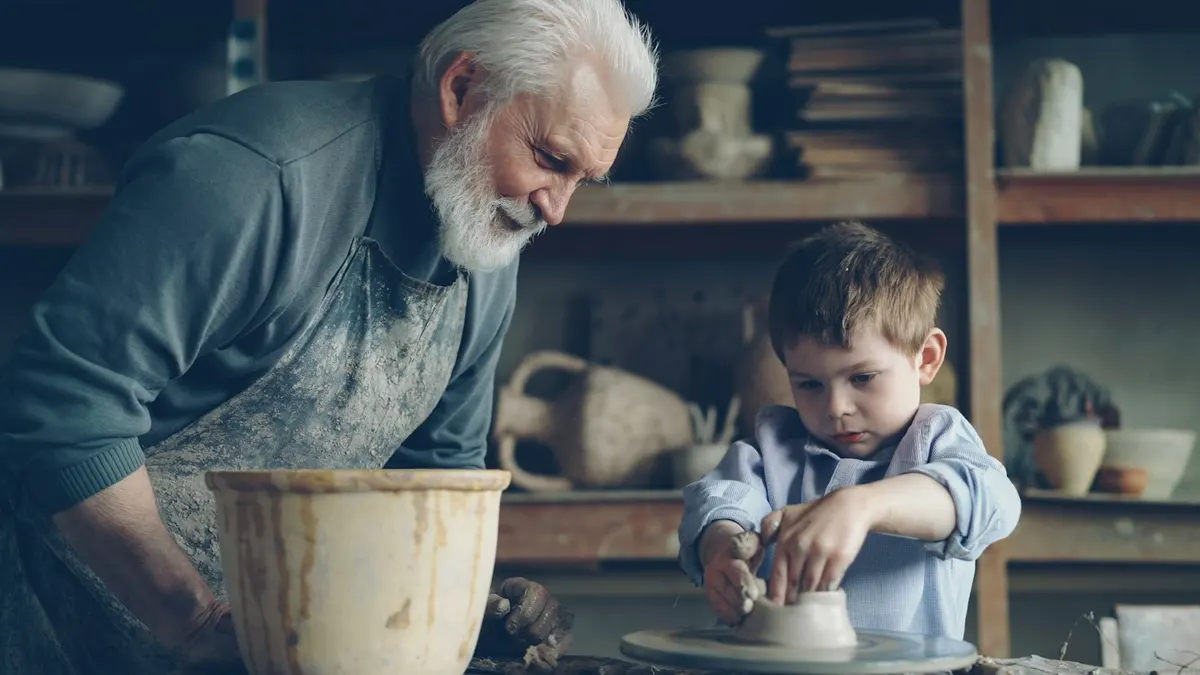

 Grandpa and Adam · together
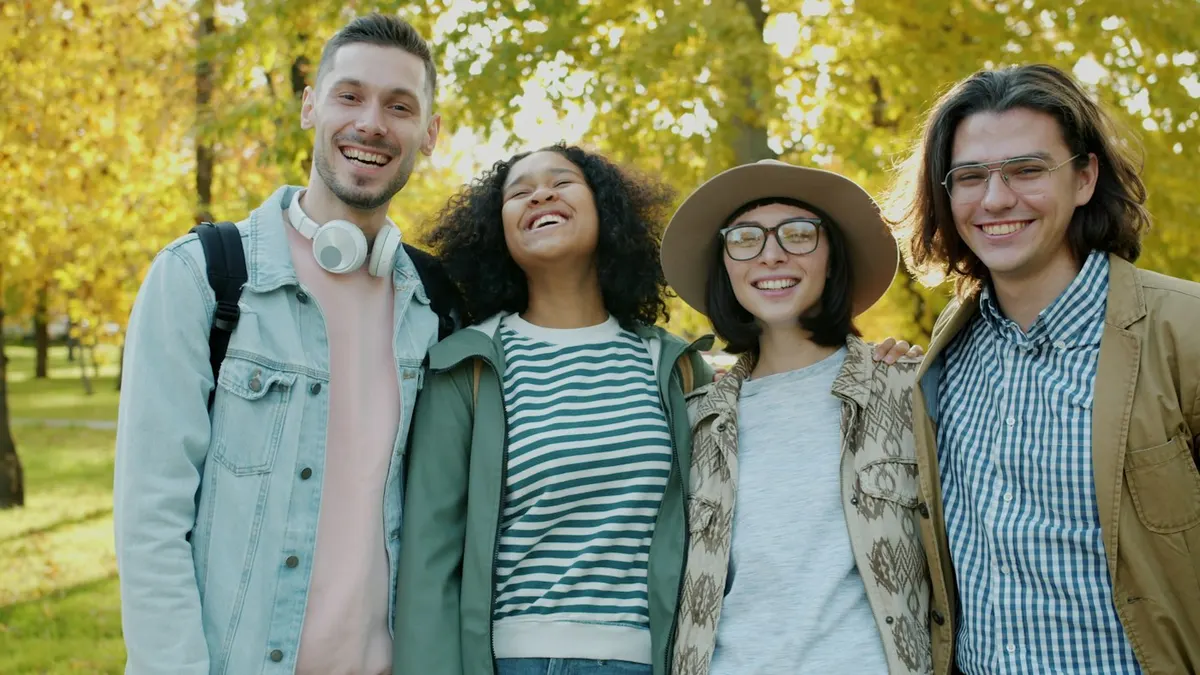

Nana’s 70thJun 7 – 8, 2025 · Porto
Nothing leaves your computer.

Ruyaf reads JPEG, PNG and HEIC files where they already live and never changes them. Faces are found and matched on your computer. There is no account and nothing to upload. Unplug a drive and the people you named stay.
Not sure? It asks.
When two groups might be one person, Ruyaf puts them side by side. Your answer is kept.


Same person?
Works with the photos you already have.
- JPEG
- PNG
- HEIC
- Folders
- External drives
- Network shares
- No account
- No upload
- macOS 14 or later